To invite another collaborator to a cohort you manage, follow these steps:
- Navigate to the cohort page (left menu > Cohorts > Name of your cohort).
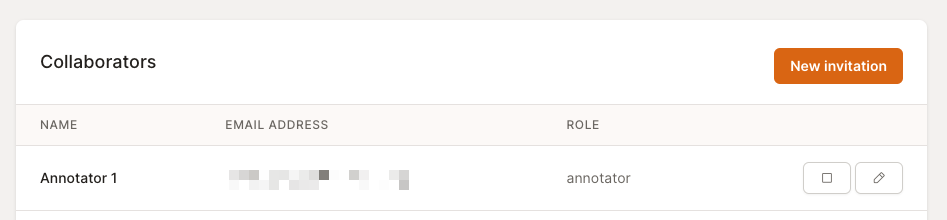
- In the “Collaborators” section, click the “New invitation” button.
- Fill out the new invitation form with the email of the new collaborator and choose a role:
- Managers: Can invite new Collaborators and Users and annotate dishes.
- Annotators: Can only annotate dishes.
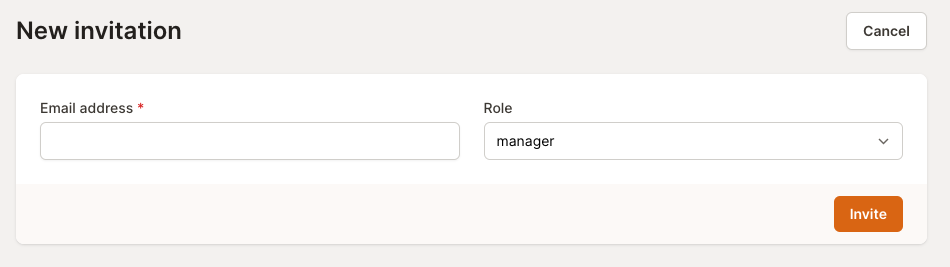
- Click on “Invite” to send an invitation email to the collaborator. Once done, the new collaborator can follow the steps described in Signing up as cohort manager to sign up and start working on the cohort.